
In 2025, a website called Techgeeksblog is going viral on Instagram Reels. It claims that you can find out anyone’s Instagram password just by typing in their username. Sounds crazy, right?
But there is one question that arises: Is Techgeeksblog Instagram password tracker real or fake?.
Let’s take a closer look at how this site actually works, why it’s dangerous, and how it tricks people into wasting their time, giving up personal info, and unknowingly helping the site owner earn money through ads and data collection.
What Is Techgeeksblog Instagram Password Tracker?
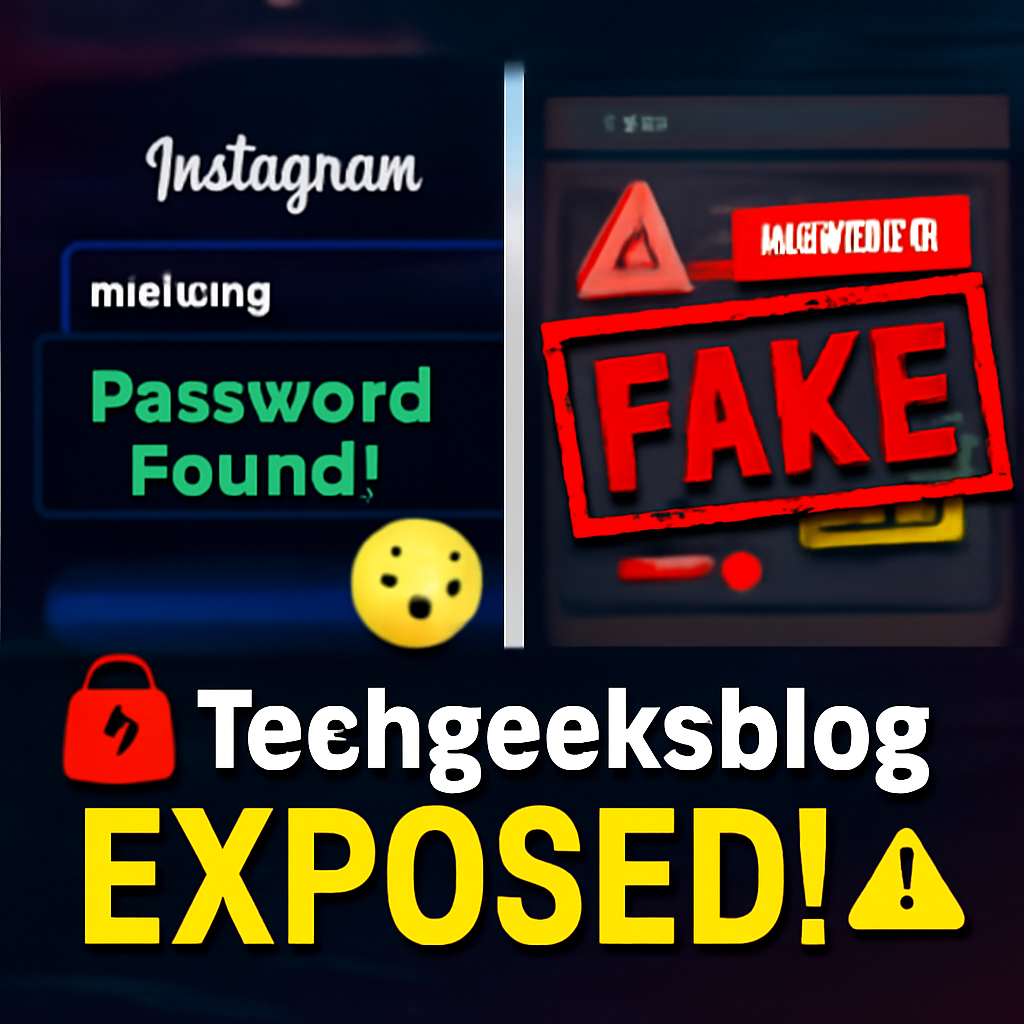
Techgeeksblog is a viral website that claims it can reveal anyone’s Instagram password just by entering their username. Sounds tempting—but it’s not real.
It started gaining attention after going viral on Instagram Reels, where some creators post fake videos showing so-called “successful hacks.” These videos are edited and misleading—just tricks to push people toward visiting the site.
What’s the Real Purpose of Techgeeksblog Instagram Password Tracker?
The main goal of this website isn’t to hack anything. It’s to make money by:
- Displaying Google ads for profit
- Tricking users into completing fake surveys
- Possibly collecting personal data from curious visitors
So, while it pretends to be an Instagram password tracker, the truth is—it’s nothing more than a scam built to earn money off unsuspecting users.
Is Techgeeksblog Instagram Password Tracker Real?
Let’s be 100% clear:
There is no tool or website that can legally or technically hack Instagram passwords just by entering a username.
Here’s what actually happens on the site:
- You enter a username.
- A fake animation appears (like “fetching password”).
- It says: “Password ready. Click to unlock.”
- You get redirected to ad walls, surveys, or fake download offers.
At no point is any real password shown.
| What It Promises | What It Delivers |
|---|---|
| Instagram password | Fake animation |
| Real hacking system | Survey redirects |
| Free access | Ad walls or app downloads |
Loantak.in Free Recharge Real or Fake? 2025
How Techgeeksblog Instagram Password Tracker Makes Money
Techgeeksblog isn’t really about tracking Instagram passwords—it’s about tricking users and making easy money.
Here’s how the site actually earns:
1. Google AdSense Revenue
Every time someone clicks on a pop-up ad or banner, the site owner earns money through ad views or clicks.
2. Affiliate Surveys
Users are forced to complete fake surveys or tasks to “unlock” a password. Each completed survey earns a commission for the website.
3. Data Collection (Harvesting)
Some users may unknowingly enter their email address or phone number—this personal data can be stored, misused, or even sold.
Revenue Breakdown
| Revenue Method | Description |
|---|---|
| Ads | Pop-ups, banners, and auto-play videos earn per click/view |
| Surveys | Users complete tasks thinking they’ll get a password |
| Personal Data | Emails or phone numbers may be collected and misused |
In short, the real goal of Techgeeksblog Instagram Password Tracker isn’t to help you—it’s to exploit your time, data, and curiosity for profit.
Analogy: It’s Like a Lottery Ticket That Never Wins
Think of it this way:
You’re handed a lottery ticket that says “Win a car!”
You scratch it. It says “Almost won!”
Then you’re told: “To claim your prize, fill 3 forms, download 2 apps, and watch 5 ads.”
In the end, you win nothing. You just gave away your time and maybe your information. That’s exactly what Techgeeksblog does.
Why Instagram Passwords Can’t Be Tracked Like This
Let’s clear up a big myth:
You cannot hack or track Instagram passwords just by entering a username.
Instagram is owned by Meta, one of the world’s biggest tech companies. They use strong security systems to protect user accounts, including:
Key Instagram Security Features:
- Two-Factor Authentication (2FA):
Even if someone knows your password, they still need a code from your phone to log in. - Login Alerts:
Instagram notifies you instantly if someone tries to log in from a new device or location. - Device Verification:
New devices often need to be verified manually by the user. - Encrypted Login Systems:
Your login data is protected and can’t be seen or stolen through basic websites.
Security Features at a Glance
| Instagram Security Feature | Purpose |
|---|---|
| 2FA (Two-Factor Auth) | Stops login without code sent to your phone |
| Encrypted Login | Keeps password hidden and protected |
| Device Alerts | Notifies you of suspicious login attempts |
So even if a website like Techgeeksblog claims it can hack passwords, it’s a lie.
No third-party tool can bypass these protections. It’s just not possible.
What Real Users Are Experiencing
Many people who tried the so-called Techgeeksblog Instagram Password Tracker quickly realized it’s just a scam. Here’s what real users are saying:
“I tried using it to prank my friend. It redirected me to 4 different pages but never showed a password.”
— Instagram Comment
“I started seeing strange ads and redirects after I used the site on my phone. Had to clear my browser cache.”
— Reddit User
“I entered my own username to test it, and it still said the password is ‘ready’ — totally fake.”
— YouTube Review
These experiences make it clear: Techgeeksblog doesn’t track any passwords.
It just wastes your time, clutters your device with pop-ups, and might even put your privacy at risk.
Dangers of Using Techgeeksblog
Visiting sites like Techgeeksblog isn’t just a waste of time—it can also put your privacy, device, and even your safety at risk.
Here’s what could go wrong:
🚨 Malware Downloads
You might accidentally install dangerous apps or files that can harm your device or steal information.
📩 Data Theft
If you enter your email or phone number, it could be sold to third parties or used for spam, scams, or phishing attacks.
🔁 Browser Hijacking
The site may trap you in endless redirect loops, pop-ups, or fake pages that are hard to close.
⚖️ Legal Trouble
Trying to hack or access someone’s account—even through a fake site—can still be illegal and could get you into serious trouble.
Bottom line: Using Techgeeksblog puts your data, your device, and your legal safety at risk. It’s not worth it.
Safer Alternatives: For Account Recovery or Security
If you’re trying to recover your Instagram account or just want to keep it safe, don’t fall for fake tools like Techgeeksblog Instagram password tracker. There are real, trusted ways to protect or restore your account.
Common Problems & Safe Solutions
| Problem | Safe Solution |
|---|---|
| Forgot your password | Use Instagram’s official “Forgot Password” option to reset it |
| Account hacked | Visit the Instagram Help Center and report it through their recovery steps |
| Want to protect account | Turn on Two-Factor Authentication (2FA) for extra security |
| Curious about security | Use sites like HaveIBeenPwned.com to see if your email was leaked |
Why Techgeeksblog Went Viral on Instagram Reels
So, what made Techgeeksblog blow up on Instagram Reels? It all comes down to a mix of curiosity, fake promises, and smart (but shady) marketing.
Here’s Why It Went Viral:
- 🎯 Clickbait Reels
Short videos show edited clips pretending to reveal Instagram passwords, making it look real. - 🧠 Teen Curiosity
Many young users think it’s just a harmless prank tool, not realizing the risks. - ⚠️ Low Awareness
A lot of people don’t know it’s a scam and fall for it out of curiosity. - ⚡ Instant Gratification Appeal
The idea of “instant access to any password” sounds exciting and tempting to many.
But here’s the truth:
If something online sounds too good to be true, it almost always is.
Final Verdict: Is Techgeeksblog Instagram Password Tracker Real or Fake?
✔️ Final Answer:
Techgeeksblog Instagram Password Tracker is completely fake, unsafe, and misleading.
It does not reveal any real Instagram passwords. Instead, it:
- Shows fake loading animations
- Sends users to ads, surveys, and download traps
- Collects your data to make money for the site owner
FAQs About Techgeeksblog Instagram Password Tracker
Q1. Is Techgeeksblog a real Instagram password tracker?
No. It is a fake website that uses animations to make you believe it’s working, but it never shows any real password.
Q2. Is it safe to enter a username on Techgeeksblog?
No. Even if you enter just a username, the site may track your device and lead you to unsafe websites.
Q3. Can Techgeeksblog hack Instagram accounts?
Absolutely not. No legal tool or site can hack an Instagram account using only a user ID.
Q4. What happens after I use the site?
You may get redirected to spammy pages, fill out fake surveys, or be exposed to malware and pop-ups.
Q5. What should I do if I have already used the site?
Clear your browser history, block site permissions, run a malware scan, and avoid clicking on unfamiliar links or emails.
Table of Contents

I’m Ajay, your navigator in the online world. I simplify tech, share digital tips, and help you stay ahead of trends